



Enhance
3.7× conversion rate
Migration to Shopify and scalable rebuild for a globally recognised smart automotive brand
Industries: Tech & Electronics
DevelopmentConversion Rate Optimization


hello@craftberry.co
EU, EST 2015©
Top-rated WordPress to Shopify migration agency that eliminates plugin conflicts, hosting management, and security vulnerabilities.
craftberry provides WordPress to Shopify migration services including full product transfers, customer account preservation, order history migration, and URL redirects for SEO. We rebuild WooCommerce functionality natively in Shopify or replace it with high-performance apps that scale reliably.
From ERP integrations to conversion-focused redesigns, we handle every detail when you migrate from WordPress to Shopify. Certified Shopify Plus partner with 300+ successful migrations and 9+ years helping brands replatform and grow.



Shopify partner trusted by great clients












Completed projects
800+
Clients
100+


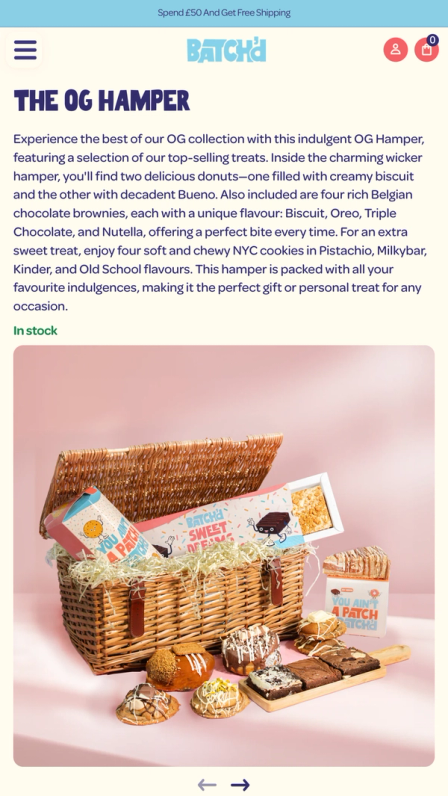
Batch'd
100% Data accuracy
A freshly baked redesign for Batch’d’s new Shopify storefront


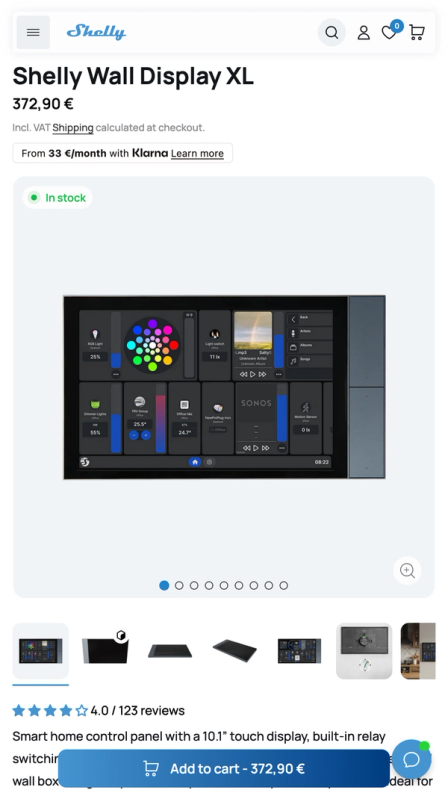
Shelly
+25% revenue per visitor
Transforming an IoT unicorn with a seamless migration from Shopware to Shopify Plus
Enhance
3.7× conversion rate
Migration to Shopify and scalable rebuild for a globally recognised smart automotive brand
Project 1 of 3: Batch'd

Who we work with
WordPress and WooCommerce sites moving to Shopify and Shopify Plus, especially content-led brands whose blog traffic and rankings carry real revenue.
What we migrate
Products, customers, order history, and the entire content layer: posts, pages, media, categories, Yoast or RankMath metadata, and every permalink mapped to its new URL.
How we migrate
A full content inventory, staged imports using Matrixify or custom API tooling, a plugin-by-plugin replacement map, and a side-by-side build next to your live site.
How we protect SEO
A full pre-migration crawl, a one-hop 301 for every permalink, metadata carried field by field, internal links rewritten, and daily Search Console monitoring after launch.
What results we target
Zero-downtime cutover and preserved rankings. Recent work: Batch'd migrated from WordPress with 100% data accuracy and zero downtime, and Color Factory rebuilt from WordPress on Shopify.
Technology we use
Matrixify and custom API tooling, Online Store 2.0 themes, Shopify Forms, and GA4 with Google Search Console for measurement.

WordPress can take you far, but scaling on the Shopify platform means faster performance, built-in automation, and freedom from technical maintenance. It’s the next stage for brands ready to grow without limits.
Tired of Managing WordPress Maintenance? Shopify Handles It for You.
Running a WordPress website means constantly managing hosting, updates, backups, and security patches - every plugin and theme adds another layer to maintain.
Miss one update or configuration, and performance, data, or checkout stability can quickly suffer.
Shopify takes care of it all. It’s fully hosted platform, automatically updated, and protected by enterprise-grade PCI and SSL compliance, ensuring data security and safe transactions.
The result is a secure, high-performing storefront that runs smoothly while your team focuses on growth, not maintenance.
Leave Security Headaches Behind. Migrate to ShopifyUnlock Deeper Insights with Shopify’s Built-In Analytics
WordPress relies on external plugins for reporting - often leading to incomplete or inconsistent data across your store.
Shopify solves that with powerful, built-in analytics available directly inside the Shopify admin and Shopify dashboard, giving you a unified view of performance across products, traffic, and sales.
Every report is designed for precision and data accuracy, maintaining full data integrity across orders, customers, and conversions.
That means your online business can make confident, data-driven decisions - without depending on third-party tools or integrations.
Start Converting More with ShopifyGrowth happens faster when your tech supports it, not slows it down, and Shopify replaces the complexity with simplicity, automation, and reliability, giving your team more time to focus on scaling.

WordPress can get you started - but scaling an online store on it often means juggling plugins, hosting providers, and constant updates.
As your business grows, maintenance demands rise, performance slows, and every new feature requires more time and technical involvement.
Shopify changes that dynamic. It’s a fully managed platform built to scale seamlessly - with hosting, security, payments, and analytics all included from day one.
Every tool, from inventory control to automated workflows, works together effortlessly, helping teams move faster without relying on third-party fixes.
For expanding brands, this shift isn’t just about migrating data. It’s about gaining a faster, more stable foundation that supports long-term growth with less friction.

Moving from WordPress to Shopify isn’t just a copy-paste job - it’s a full-scale eCommerce migration that touches every part of your business: product catalogs, customer accounts, order history, media files, SEO structure, and URLs.
A poorly managed migration can lead to missing data, broken links, or performance issues that directly impact sales.
That’s why leading brands partner with craftberry. As a certified Shopify Plus Partner, our in-house team oversees every step - from exporting and refining WordPress data to rebuilding your store’s architecture for speed, clarity, and conversion.
We handle the process end-to-end, ensuring your new Shopify store goes live flawlessly - with every product, redirect, and integration transferred safely, and zero downtime along the way.

In the last decade, we’ve guided over 300 ecommerce businesses - from ambitious startups to global retailers - through smooth, secure migrations to Shopify.
Our refined migration process blends data precision, store performance, and conversion-focused design, ensuring every move strengthens your business, not disrupts it.
From product data and customer information to SEO settings and redirects, every detail is carefully handled to deliver a seamless transition and an uninterrupted shopping experience.
Brands like Shelly, The Fashion Project, and Pepper have already trusted craftberry to migrate their stores from WordPress, WooCommerce and other platforms to Shopify - unlocking faster storefronts, simplified management, and measurable revenue growth.
The comparison depends on what your site is for. For publishing, WordPress is the stronger tool. For running a store, Shopify removes most of the work described above. This table is the version we walk clients through when they ask about Shopify vs WordPress for ecommerce.
Experience a smooth transition to the leading e-commerce platform with our Shopify and Shopify Plus migration services.

Content migration is the core of a WordPress move, and it is where DIY migrations quietly lose data: metadata dropped, image URLs left pointing at a dead server, shortcodes rendering as raw brackets. We map every entity before anything moves. This is the standard map for a WordPress source, including the WooCommerce rows where they apply.
Everything in this table is verified after the dry run: counts per entity, spot checks per content type, and a diff against the source export.
Exported via WXR or the REST API, transformed, loaded through the Admin API. Shortcodes are rendered to final HTML or stripped; page-builder markup is converted to clean HTML
Same pipeline. Key landing pages are rebuilt as themed templates rather than pasted HTML where the design calls for it
The mapping is a documented decision per term, not a default. Category and tag archive URLs go into the redirect map
Exported alongside each post and written via the API, so your search snippets do not reset. Focus keywords and plugin scores have no Shopify equivalent; canonical and noindex rules are re-implemented deliberately
Files are re-uploaded, alt text carried over, and every image URL inside body content is rewritten to the new CDN path
Imported through the Admin API comment resource; spam and unapproved comments are filtered before import
Password hashes cannot move between platforms, so migrated customers get account activation emails. We time that send with your team
Variable products map to Shopify's option and variant model, within its limit of 3 options and 100 variants per product; catalogs that exceed it are restructured with metafields or a variant app, agreed before migration
Order history imports through the API with numbers preserved where the numbering scheme allows; no customer is charged by an import
Forms are rebuilt, not migrated; past entries are exported and archived for your records
Your current redirect rules are exported and merged into the master redirect map so old chains keep resolving
A WordPress migration is a content migration first: posts, pages, media and years of accumulated SEO metadata have to arrive intact.
Every post, page, category and media file is catalogued before anything moves, so nothing is discovered missing after launch.
WordPress freeform permalinks map one-to-one onto Shopify's fixed /products/, /pages/ and /blogs/ paths, with a bulk-loaded redirect for every indexed URL.
Titles and meta descriptions export per URL and are written into the matching Shopify resources, so years of optimization move with the content.
Cross-links inside your content are rewritten to the new URL structure, so link equity keeps flowing inside the site.
We inventory every active plugin during discovery and give each one a disposition: replaced by a Shopify feature, replaced by an app, rebuilt in the theme, or retired.
Rankings are attached to URLs, content and links, and a migration touches all three. The redirect map is a first-class deliverable on every project:
Every indexed WordPress URL is crawled and exported before the build starts.
Each URL gets a mapped one-hop 301 to its exact Shopify counterpart, no chains.
Titles, meta descriptions and structured data carry over field by field.
We benchmark rankings before launch and monitor Search Console daily after, so any movement is caught within days.
It depends on three drivers, and we can put a number on your project after a short assessment. The bands below are our proposed guide rails. What moves a WordPress project up the range: content volume and messiness (page-builder markup, heavy shortcode use), WooCommerce data depth (order history size, subscriptions), and how much of the design is rebuilt versus redesigned. What keeps it down: a clean database, a finite plugin list, and decisions made early in the mapping spec. Every quote we give is fixed after discovery, and the assessment that produces it is free.
Typical range
$15K to $30K
USD
≈ €12K to €24K EUR£11K to £22K GBP
Content-focused WordPress site or clean WooCommerce catalog
Typical range
$30K to $70K
USD
≈ €24K to €56K EUR£22K to £51K GBP
Mid-market: large content library or full WooCommerce store, custom theme, integrations
Typical range
$70K to $150K+
USD
≈ €56K to €120K+ EUR£51K to £110K+ GBP
Complex or Shopify Plus: high-volume catalogs, B2B, subscriptions, ERP, multi-market
Send us your URL and we will come back with a free migration assessment: a content and data audit, a risk map for your permalinks and rankings, a timeline, and a fixed quote. No obligation, and you keep the assessment either way.

“We've been working with Craftberry since 2025, and they have become a trusted partner for our e-commerce business. We successfully migrated our online store from WordPress to Shopify. The Craftberry team demonstrated excellent technical expertise, professionalism, and a strong understanding of e-commerce. The migration was smooth, well-organized, and handled with great attention to detail.”
“Craftberry designed and developed our Shopify website, and we couldn't be happier with the results. They built a site that feels playful with animations yet clean and user-friendly. They also paid close attention to mobile optimisation and key SEO functions. We're really pleased with the final product and have seen noticeable improvements in both results and conversions since launch.”

“The Craftberry team was very responsive and understood our brand well after the discovery phase.”
“Craft Berry is a team I can rely on.”
“Craftberry has been the nomz Shopify development partner of choice for the last 8 years, from the time it started to its current phase of growth. Really good at UI/UX, CRO, and writing clean code for our websites. Highly recommend for anyone looking for a strong development partner that gets it.”
“They were able to keep us informed and not wondering what was going on.”
We help brands grow through connected strategy, technology, creative, and marketing.
Request a free discovery


Step 1 of 2
